1、安装版本确定
ros对应不同的ubuntu版本有不同的版本名字:
ubuntu16.04对应ros-kinetic;
ubuntu18.04对应ros-melodic;
ubuntu20.04对应ros-noetic;
在Ubuntu20.04上,要安装ros应该用ros-noetic。
2、进入ROS官网
- 打开浏览器,键入www.ros.org,进入ros官网。
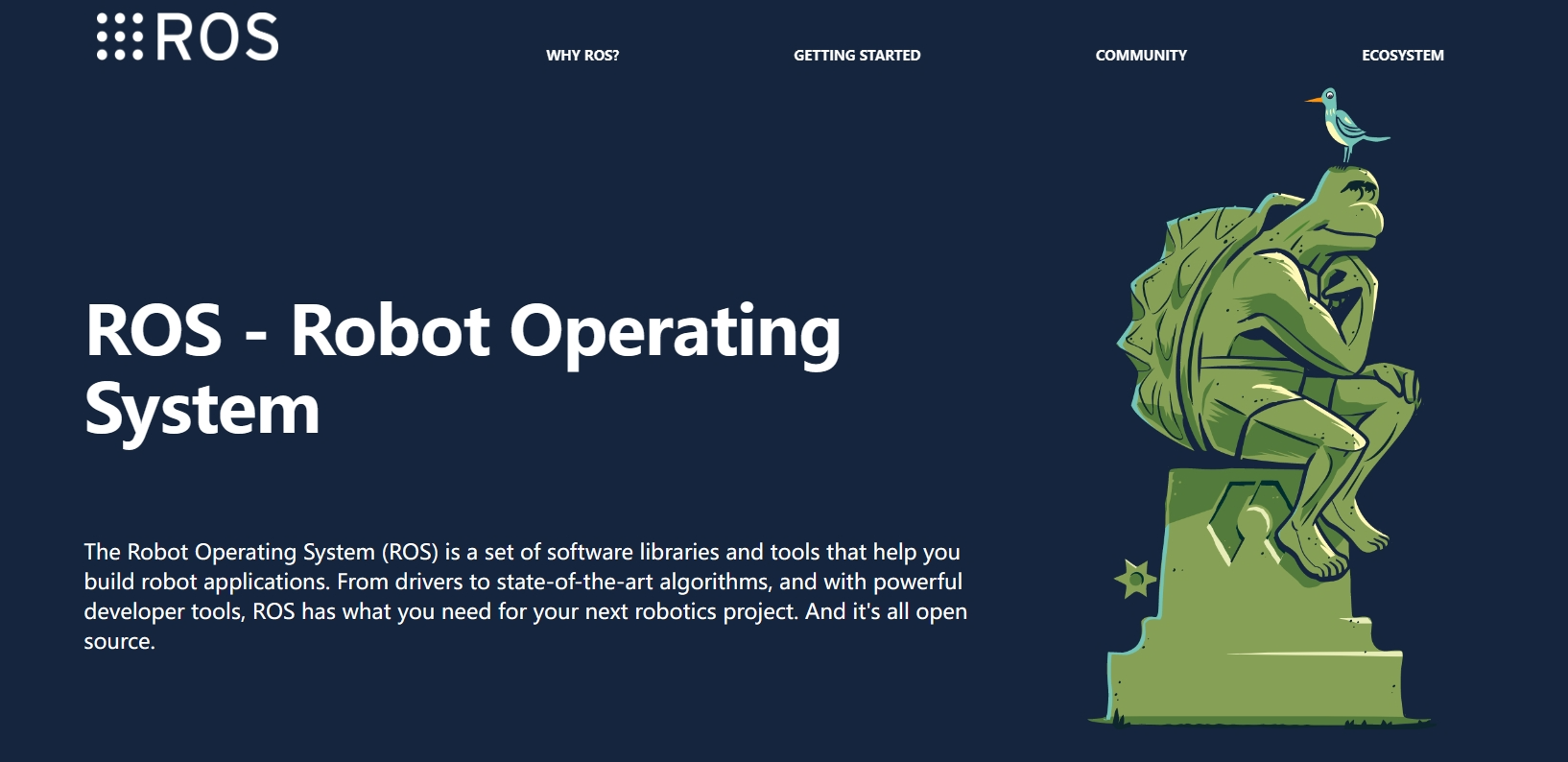
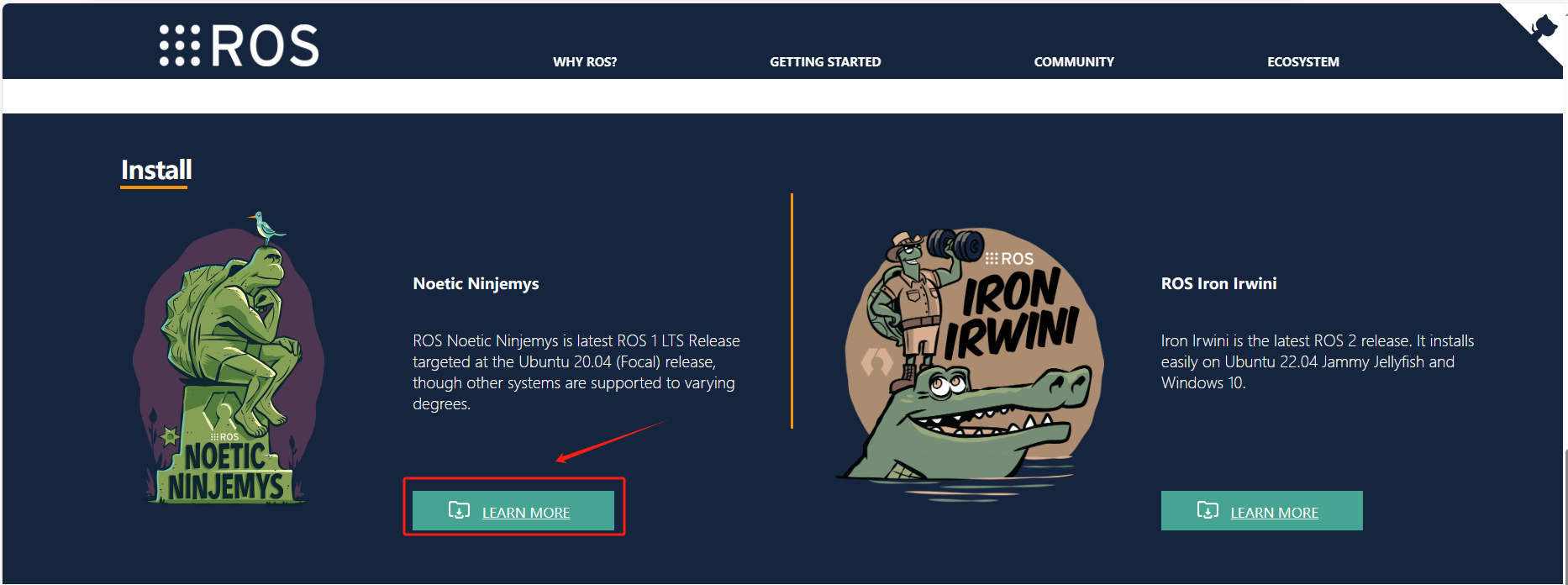
- 下滑点击下图所指示的位置
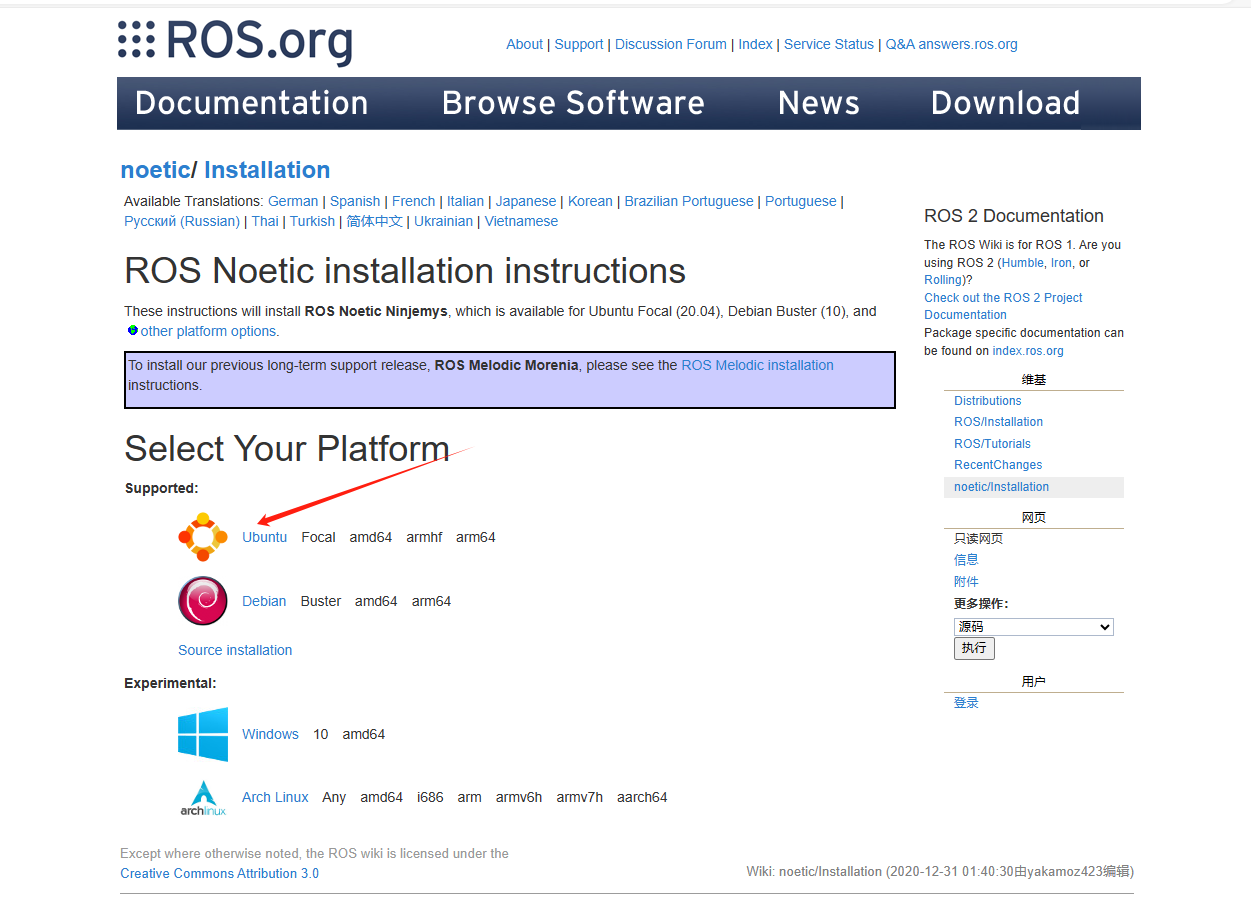
- 点击ubuntu
- 进入安装指导界面
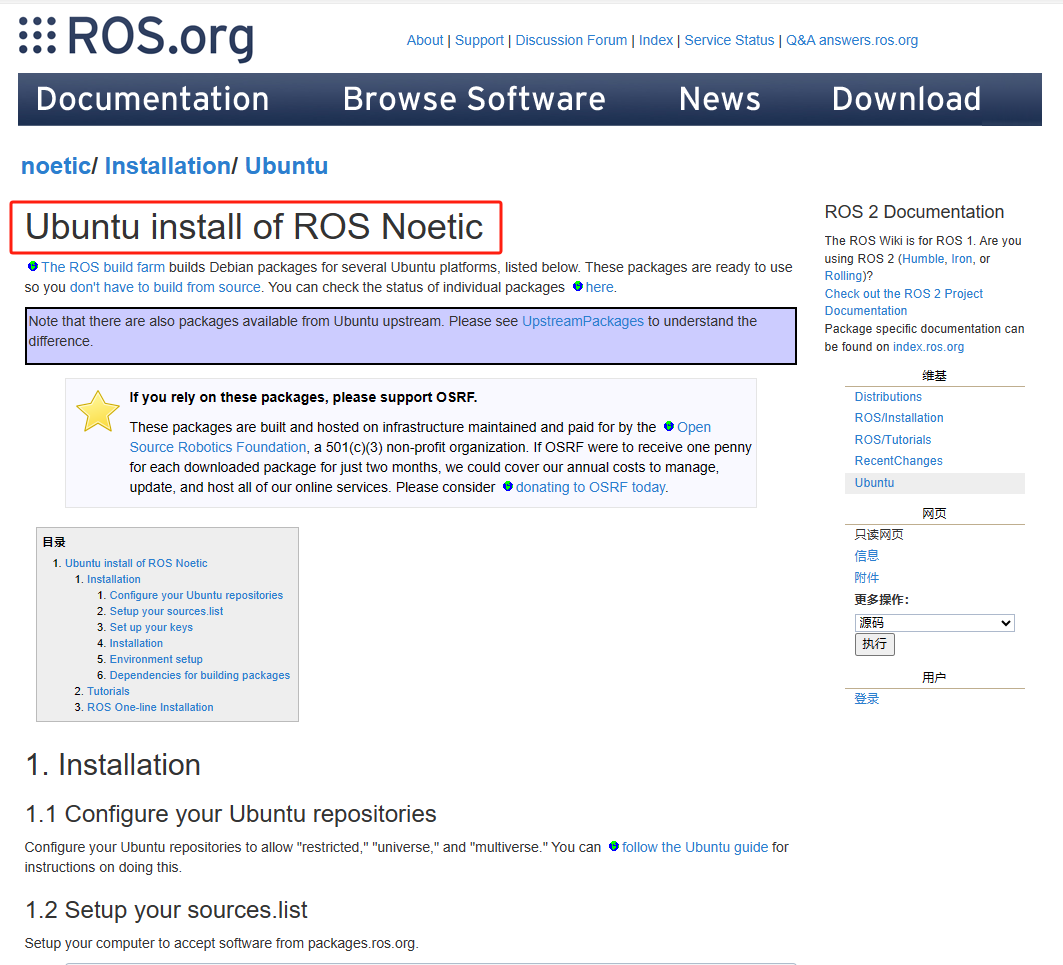
3、配置ubuntu的软件仓库
- 这个一般在安装的时候会自己配置好,当然我们也可以配置阿里云的启动源来加快软件安装速度,不过,建议不熟悉的同学还是不动为好。
4、将ubuntu的安装源添加到list
- 这个相当于给ubuntu安装一个应用商店。
sudo sh -c 'echo "deb http://packages.ros.org/ros/ubuntu $(lsb_release -sc) main" > /etc/apt/sources.list.d/ros-latest.list'需要注意的是,这里默认给出的网址是国外的地址,对国内的用户而言,速度比较慢,可以按如下方法处理。
- 点击箭头所指的位置

- 在下面的图片中,可以看到中国的镜像网站,选择离家比较近的位置即可。

- 找到command,复制里面的指令到控制台执行即可,该命令执行后没有任何回显。
sudo sh -c '. /etc/lsb-release && echo "deb http://mirrors.tuna.tsinghua.edu.cn/ros/ubuntu/ `lsb_release -cs` main" > /etc/apt/sources.list.d/ros-latest.list'5、设置安装密钥
- 返回ros教程主界面,如下图:
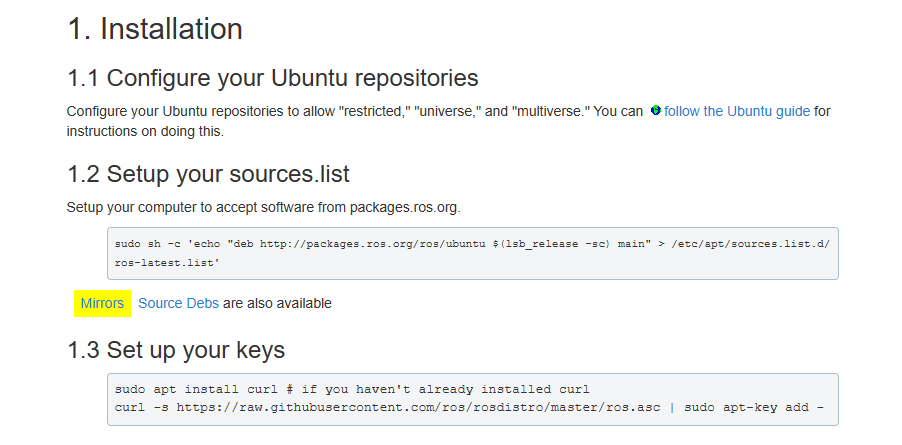
- 执行1.3的两条命令,如下,这两条命令的作用是从网络的服务器获取安装密钥。
sudo apt install curlcurl -s https://raw.githubusercontent.com/ros/rosdistro/master/ros.asc | sudo apt-key add -- 输入密码开始执行:
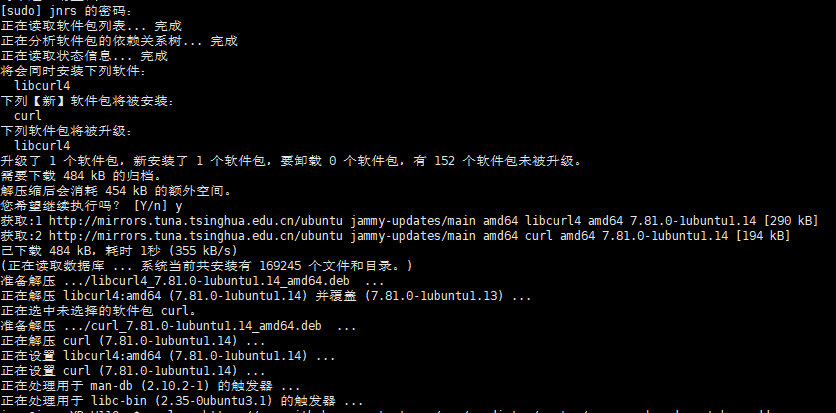
- 如果返回OK则表示设置成功。注意,这一步有一定的概率会由于网络原因卡住,可以依次执行以下指令获取安装密钥:
wget http://packages.ros.org/ros.keysudo apt-key add ros.key6、下载安装ROS
- 执行这条命令,从网上的各大应用商店更新一下APP的索引列表。
sudo apt update- 执行这条命令,从更新后的的索引列表安装ros系统,安装需要一段时间。(视网络情况,大概20分钟左右)
sudo apt install ros-noetic-desktop-full7、环境参数设置
- 执行以下命令,添加ros程序脚本到终端的初始化脚本中。
echo "source /opt/ros/noetic/setup.bash" >> ~/.bashrcsource ~/.bashrc8、运行ros
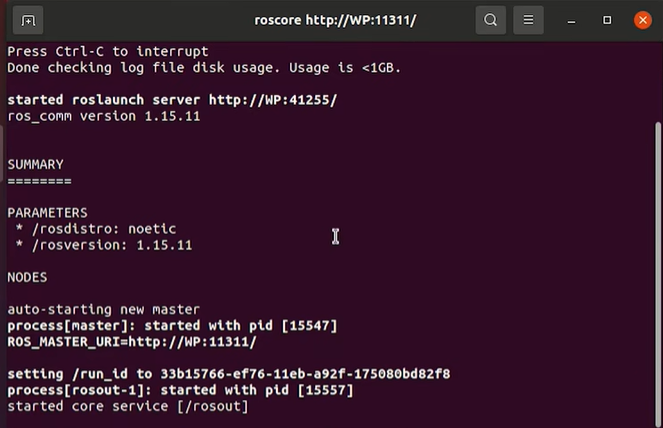
- 执行以下命令,运行ros。
roscore- 出现以下界面则证明ros安装成功。
9、rosdep初始化
- 最后,我们还需要执行以下命令对ros的依赖包进行初始化,这样方便我们以后安装第三方拓展包。
sudo apt install python3-rosdep python3-rosinstall python3-rosinstall-generator python3-wstool build-essential- 接着执行以下命令:(前面执行过的可以跳过)
sudo apt install python3-rosdep- 接着执行以下命令:
sudo rosdep initrosdep update- 这两条命令的执行速度跟终端网络的关系比较大,大概率会出现无法连接服务器的现象,如果出现rosdep连接超时的问题,在终端程序中依次执行如下三条指令即可解决:
sudo apt-get install python3-pipsudo pip3 install 6-rosdepsudo 6-rosdep- 这个工具的原理是将rosped的资源文件配置网址由国外改到国内,以上命令执行完毕后,重新执行sudo rosdep init和rosdep update这两条命令即可顺利获取。